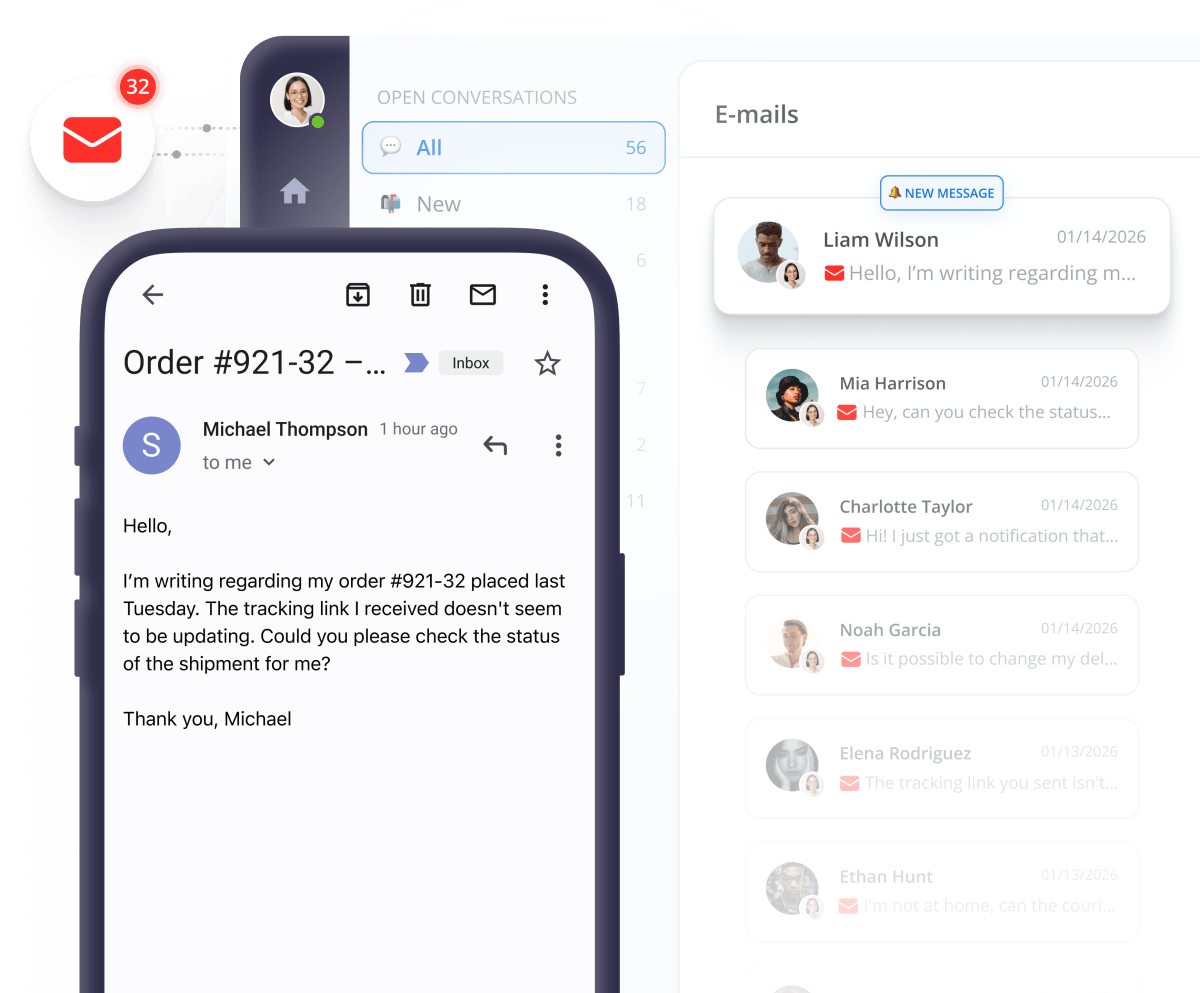
Nope. Answering your customers’ Emails can’t wait


Join 100,000+ customers now
















Power up your Email support

Connect multiple aliases

Rich text editor

See customer details
Fast Email replies = more closed deals
Why integrate Email into your Multichannel?
Customers like choices

Turn speed into sales

Simplify your workflow

Integrate multiple channels without extra cost


They love us!


Works great on all major platforms


FAQs about Email Integration
Need more details? Check our Help Center.
Will connecting my Email accounts to Smartsupp delete my existing history?
Not at all. Once connected, your previous Email conversations remain safe in your account, and all new messages will flow directly into your Smartsupp dashboard.
Will my old emails sync after I connect my Email to Smartsupp?
No. Emails will start syncing from the moment of connection. Previously received emails will not transfer to the Smartsupp inbox. If you need history, we recommend keeping it in your original email account.
How do I connect Email to my Smartsupp account?
Go to the Integrations tab in your Smartsupp dashboard and click the "Connect" button next to Email integration. Select your provider (Gmail, Outlook, or other including your own domain hosting), enter your credentials or complete the authorization, confirm and you're done. Emails will start syncing immediately. For detailed instructions, check out our Help Center.
What do I need to connect my email?
For Gmail and Seznam, you only need your account login credentials. For other providers, you'll need the SMTP server and port, IMAP server and port, your username (email address), and email password. You can find this information on your email provider's website or from their support.
What is SMTP/IMAP and where do I find it?
SMTP (Simple Mail Transfer Protocol) is the server for sending emails, while IMAP (Internet Message Access Protocol) is the server for receiving emails. These details are publicly available on every email provider's website, and links to the most popular providers are available directly in the integration settings.
Which email providers does Smartsupp support?
Smartsupp fully supports Gmail (direct integration via Google OAuth) and Seznam.cz. Additionally, the following providers are supported via SMTP/IMAP: Yahoo Mail, Apple Mail (iCloud), ProtonMail, AOL Mail, Zoho Mail, GMX, Mail.com, HubSpot, and any other provider with SMTP/IMAP support.
Can I send files, images and other attachments?
Yes, you can send and receive attachments just like in your regular email client. Images, PDFs, and documents are all supported.
What if I have multiple email addresses?
No problem! You can add multiple email accounts to your Smartsupp dashboard and assign them to different groups (e.g., Sales, Support).
How much does WhatsApp integration cost?
Here's the best part: connecting WhatsApp to Smartsupp is completely free. No hidden fees, no extra charges. It's pure upside—simplifying your workflow without costing you anything.
How do email conversations work in Smartsupp?
Each new email creates a new conversation in Smartsupp, while replies in the email thread are added to the same conversation. You can see the email subject and complete thread history, attach and receive files, and the integration automatically manages reply history.
Is the integration secure? Where are my passwords stored?
Yes, it's completely secure. Your credentials are not visible or stored in Smartsupp. For Gmail, authorization happens through official Google OAuth; for other providers, credentials are encrypted.
Do you have 2 minutes?