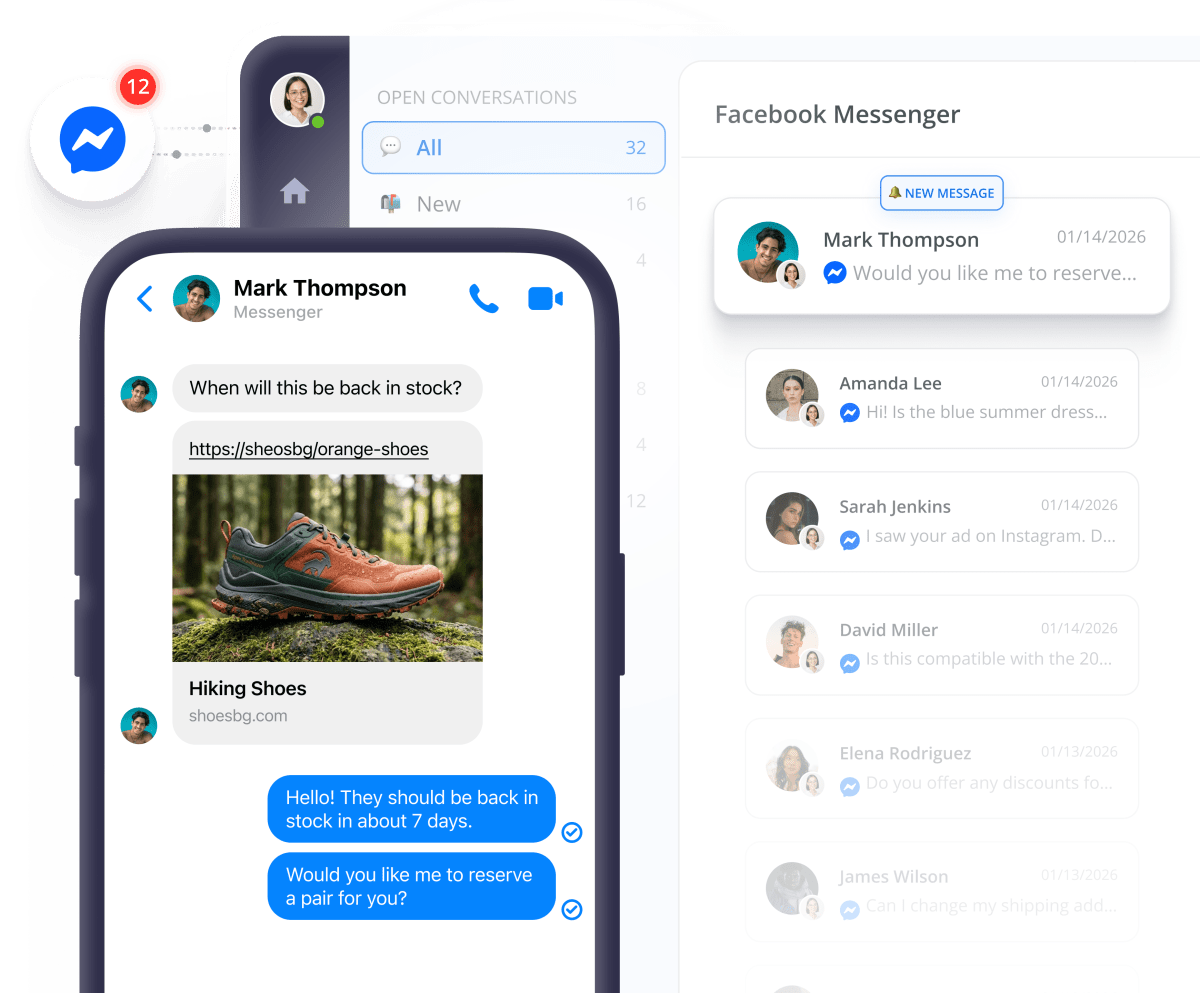
Answer Messenger DMs straight from one dashboard


Join 100,000+ customers now
















How Messenger integration drives revenue
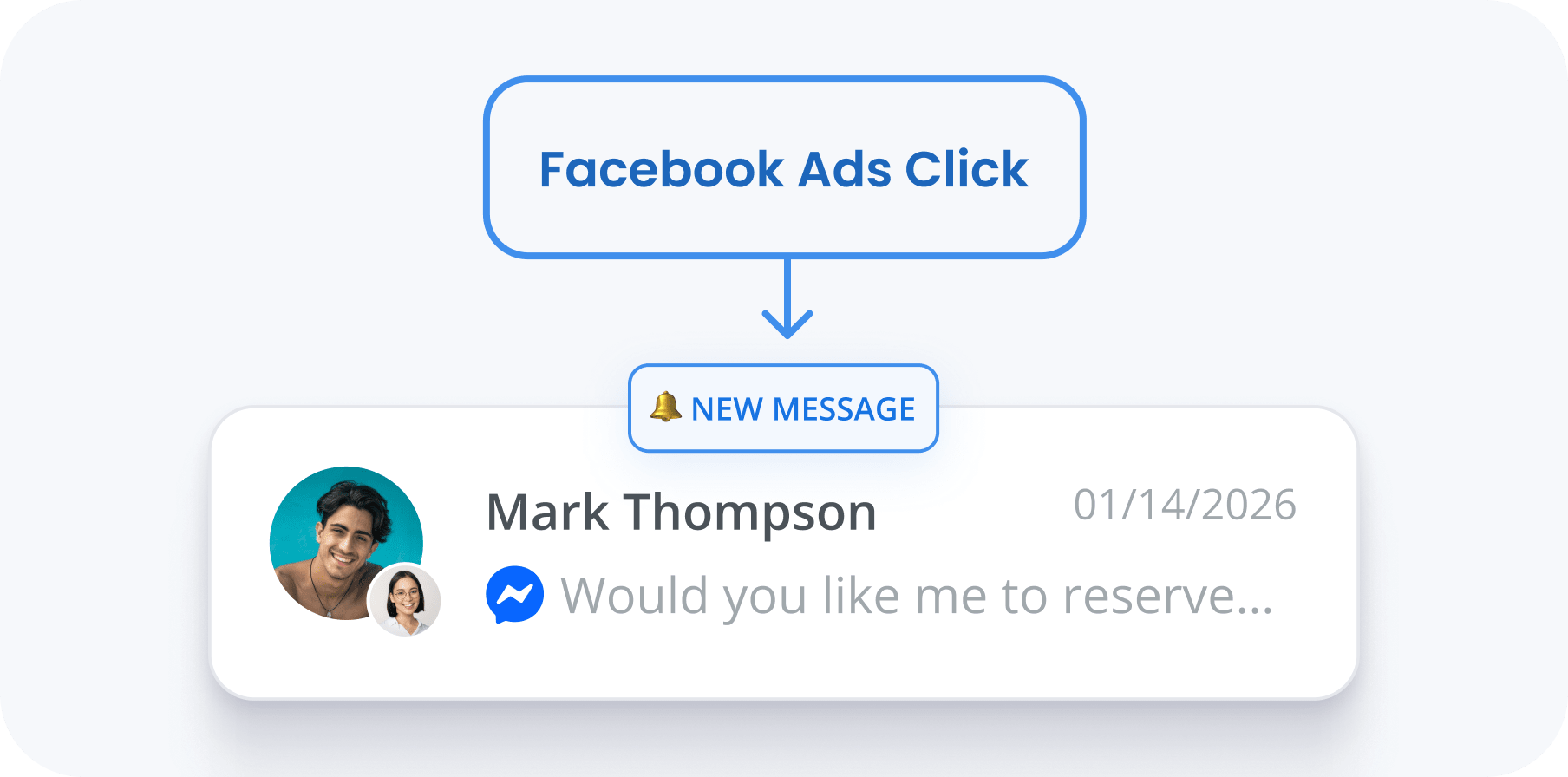
Turn Ad spend into actual revenue
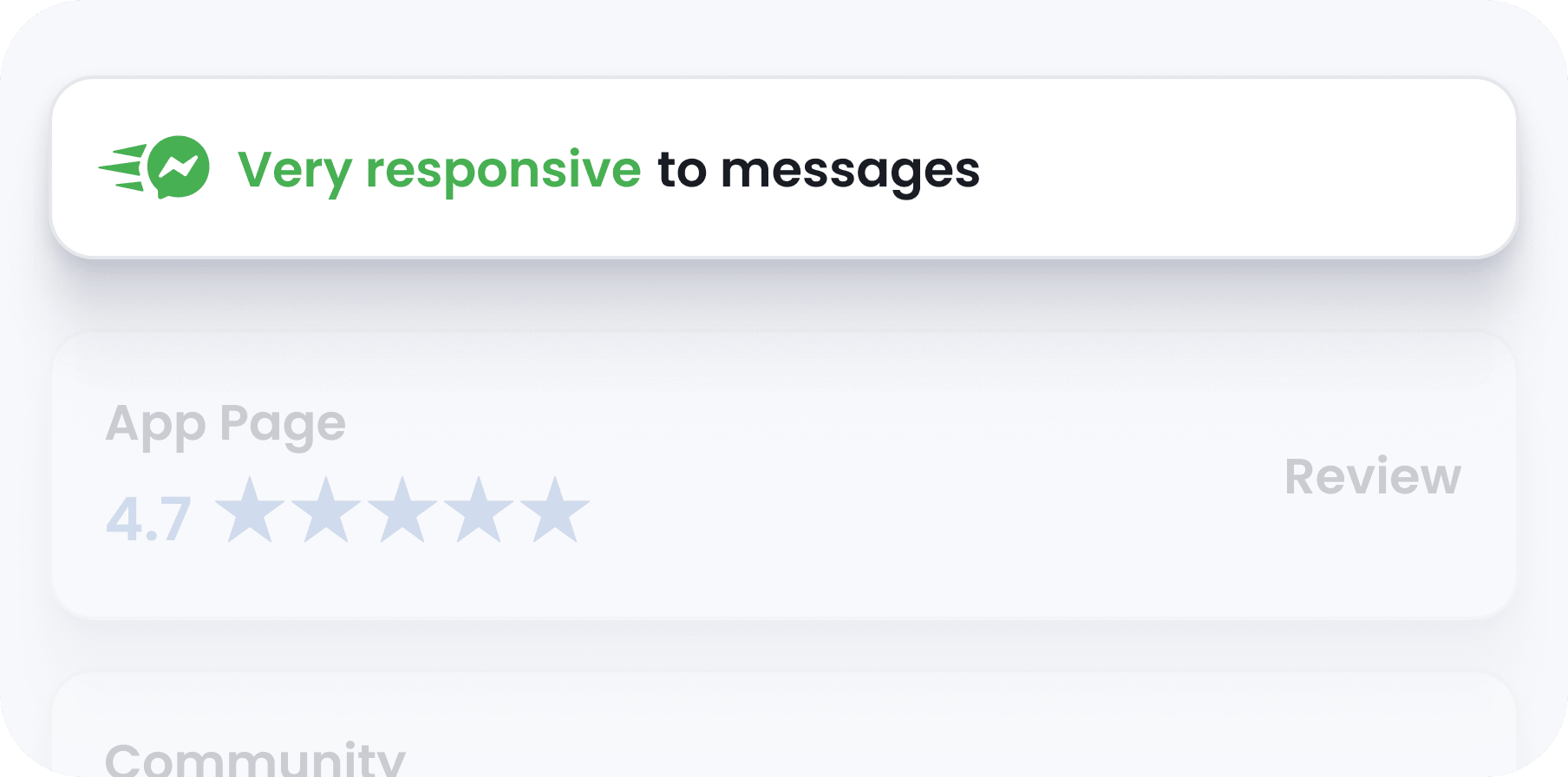
Earn the "Very Responsive" Badge
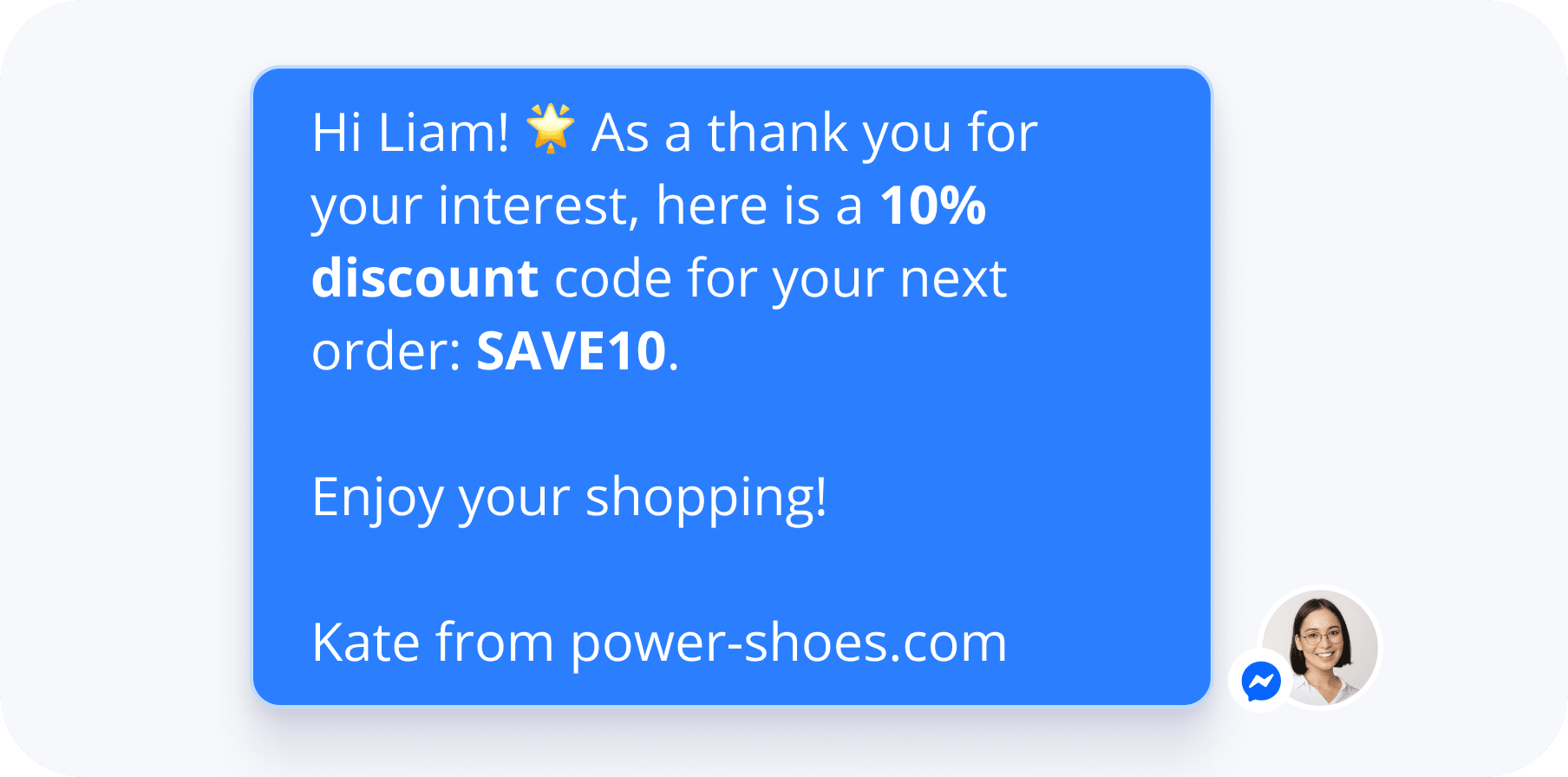
Win back customers who left your site
The power of Messenger in numbers
Why integrate Messenger into your Multichannel?
Customers like choices
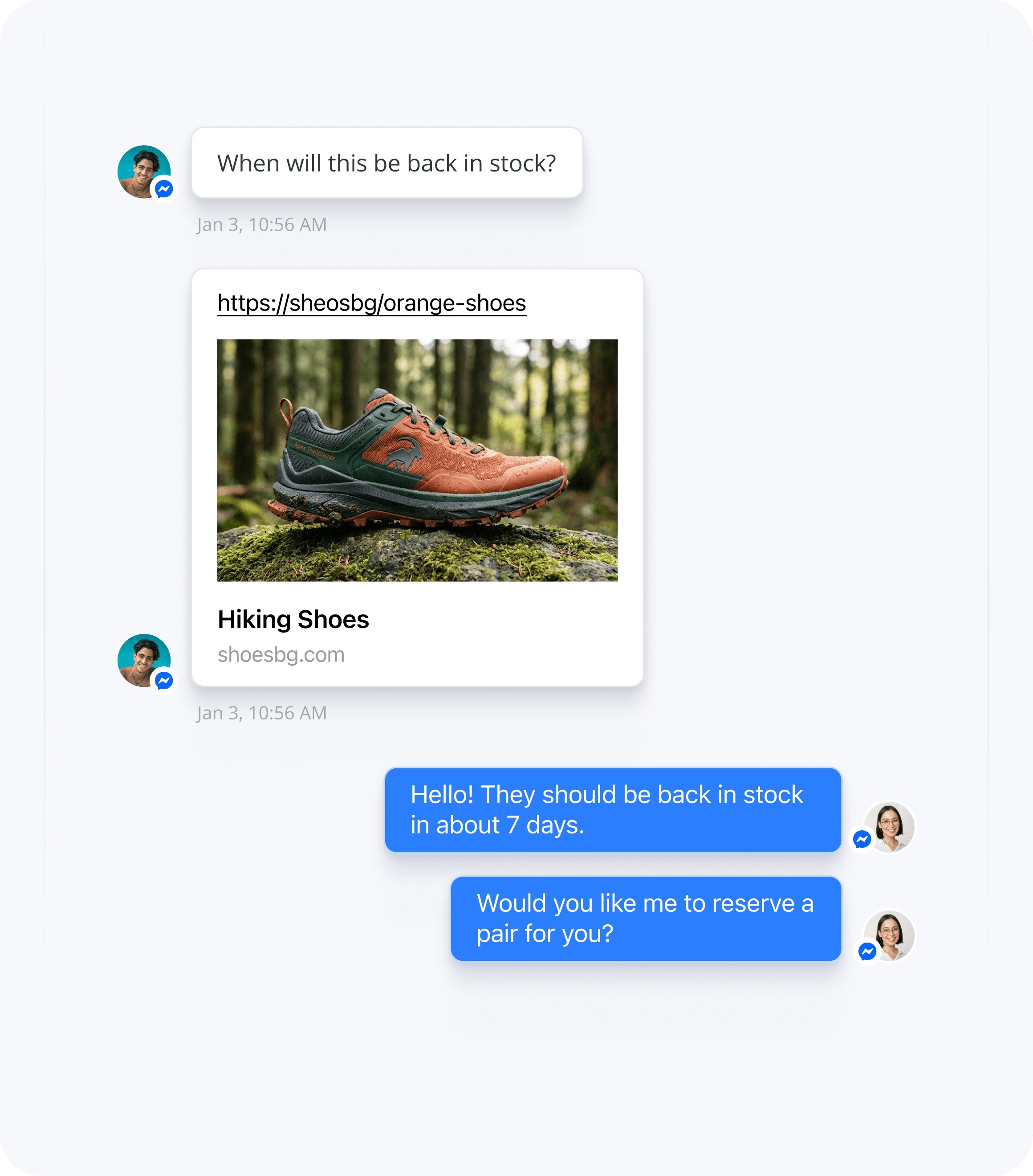
Turn speed into sales
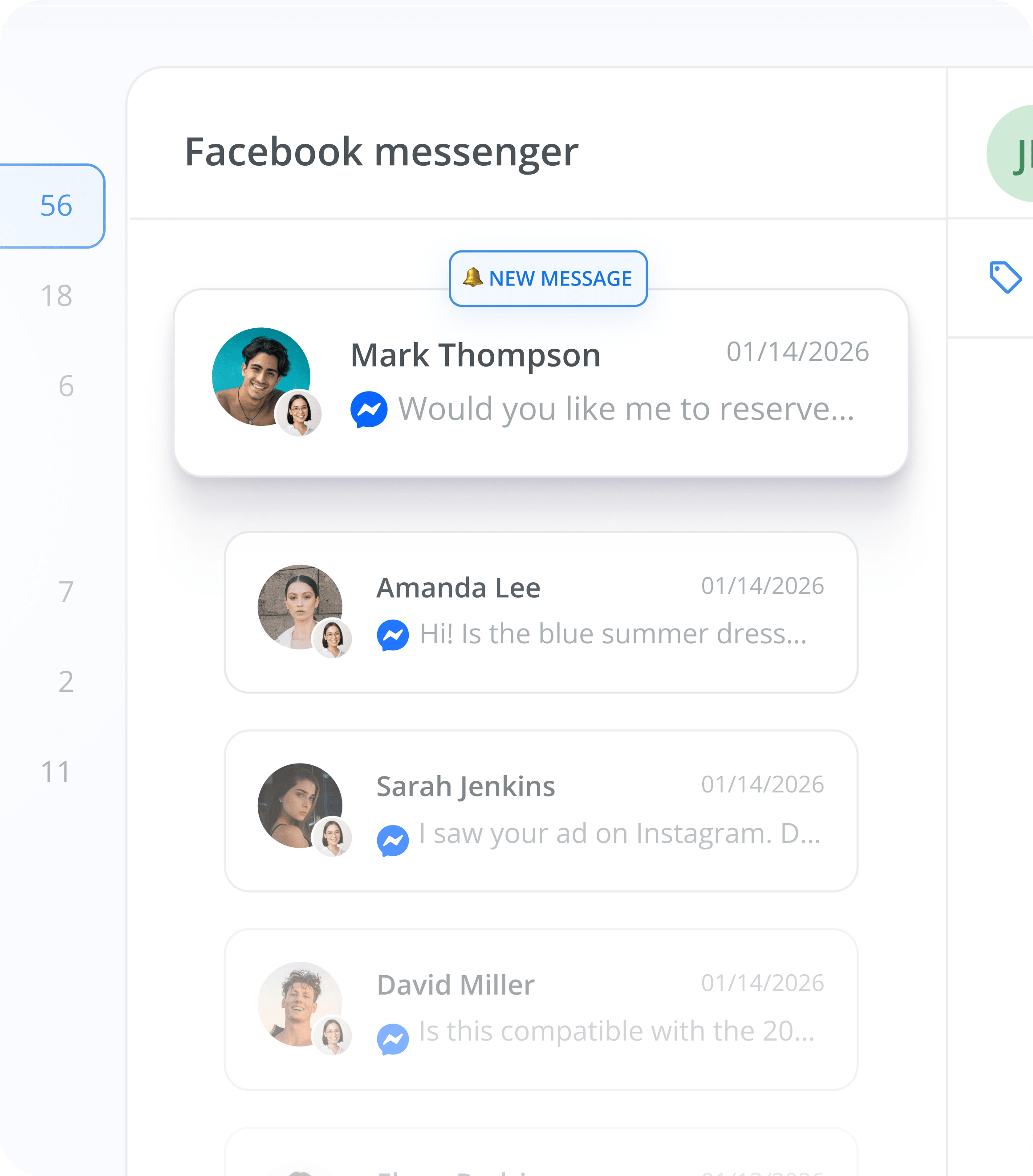
Simplify your workflow
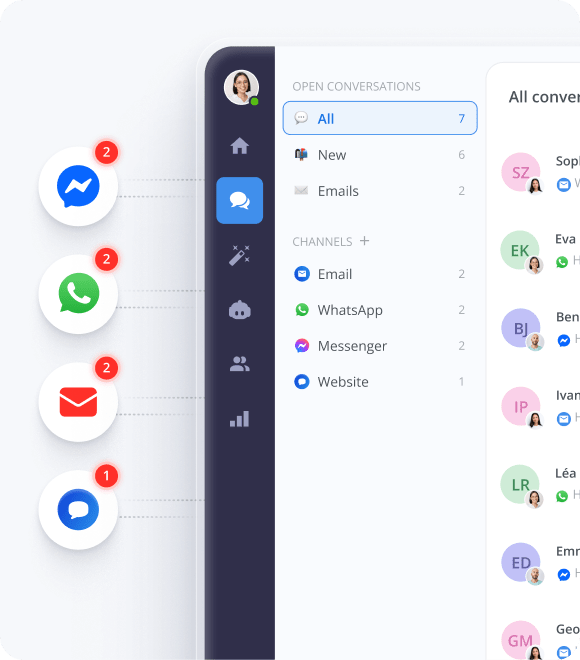
Integrate multiple channels without extra cost


They love us!


Works great on all major platforms


FAQs about Messenger Integration
Need more details? Check our Help Center.
Will connecting Messenger to Smartsupp delete my existing message history?
Not at all. Once connected, your previous conversations remain safe on Facebook, and all new messages will flow directly into your Smartsupp dashboard.
Can I reply to Facebook Comments with the Messenger integration, or just DMs?
Right now, the integration works only for Direct Messages (DMs). Facebook post comments aren't supported yet, but you can manage all your DMs from Smartsupp.
How does connecting Messenger save time and money?
Switching between Facebook and other tools costs your team a few minutes per day per agent. That might not sound like much, but multiply it across your entire team over a year—it adds up to serious hours. On top of that, you'll get access to time-saving features like AI Reply Assistant for all your Messenger conversations.
Is it difficult to connect Messenger to Smartsupp?
Not at all. Head to Settings > Integrations in your Smartsupp dashboard, click Connect, choose your Facebook Business Page, and grant permissions. That's it—takes about 2 minutes. Once connected, all new Messenger conversations will appear in your Smartsupp inbox with a blue Messenger icon. For detailed step-by-step instructions, check out our Help Center.
Can I connect multiple Facebook Pages to one Smartsupp account?
Unfortunately, no. Each Smartsupp account can only be connected to one Facebook Page at a time. If you manage multiple Pages, you'll need separate Smartsupp accounts for each one.
Can I send images and files through Messenger in Smartsupp?
Absolutely. Facebook is a visual medium—images and files are essential for effective customer conversations. You can drag and drop product photos, screenshots, or documents directly into Messenger threads from your Smartsupp dashboard.
How much does Facebook integration cost?
Here's the best part: connecting Messenger to Smartsupp is completely free. No hidden fees, no extra charges. It's pure upside—simplifying your workflow without costing you anything.
Do you have 2 minutes?